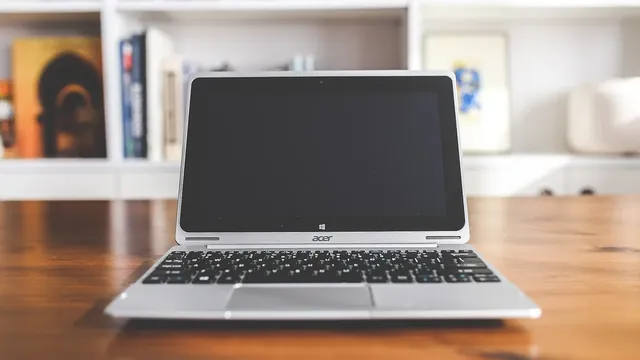
Krira TV on PC & Windows: Complete Setup Guide
Learn how to watch Krira TV on a PC or Windows laptop using an Android emulator, including setup steps, controls, display tips, and performance advice.

Resources
See what sports channels, live broadcasts, and entertainment categories Krira TV APK offers, plus how to find and stream content on Android devices.
Before installing any streaming application, most users want to know what kind of content is available. Sports streaming apps are often judged by the variety of channels, categories, and viewing options they provide. Krira TV attracts sports fans because it is commonly associated with sports-related content and convenient access through Android devices. You can find the current download on the Krira TV APK download page.
Understanding available content helps users determine whether the platform matches their viewing preferences.
If you are new to the platform, begin with: Krira TV Features and Live Streaming Guide before continuing.
The success of a streaming application depends largely on content.
Viewers want access to content that matches their interests.
Different users prioritize different categories.
Some focus entirely on sports.
Others prefer a combination of sports and entertainment.
The broader the content selection, the more useful a platform becomes for different audiences.
Sports content remains the primary attraction of Krira TV.
Many users install the application specifically to follow sporting events through their mobile devices.
Sports viewers typically search for access to:
Live access to sporting events remains one of the strongest reasons users explore streaming platforms.
For live viewing information, continue with How to Watch Live Sports on Krira TV.
While sports may be the main focus, some users also look for additional content categories.
Having multiple content options can improve the overall viewing experience.
Different categories allow users to continue using the application even when major sporting events are not taking place.
Live channels provide real-time access to broadcasts.
This type of content is especially valuable for sports fans because it allows them to follow events as they happen.
Live content creates:
Many users consider live access one of the most important features of a streaming application.
Accessibility affects how quickly users can locate desired content.
Well-organized categories improve navigation.
Benefits include:
Applications that simplify content discovery often achieve stronger user satisfaction.
Accessing content through mobile devices provides several advantages.
Users can watch streams:
This flexibility contributes significantly to the popularity of streaming applications.
Many users enjoy discovering new content categories after installation.
Content exploration often becomes part of the overall viewing experience.
The ability to browse different sections from a single application increases convenience.
Content quality depends not only on availability but also on performance.
Several factors affect the viewing experience.
These include Krira TV Buffering and Streaming Problems Fix.
Different devices provide different viewing experiences.
Smartphones
The most common viewing option.
Tablets
Larger displays improve comfort.
Better for extended viewing sessions and group watching.
For complete compatibility information, continue with: Krira TV System Requirements.
Sports may initially attract users, but broader content availability often increases long-term engagement.
Viewers appreciate flexibility.
The ability to access multiple categories through a single platform reduces the need to install multiple applications.
Conclusion
Content availability plays a major role in the popularity of any streaming platform. Krira TV attracts users through sports-focused content while also providing additional viewing options that improve flexibility and convenience.
Understanding available content categories helps users make informed decisions before installation and allows them to get more value from the platform after setup.
Download Krira TV APKLearn how to watch Krira TV on a PC or Windows laptop using an Android emulator, including setup steps, controls, display tips, and performance advice.
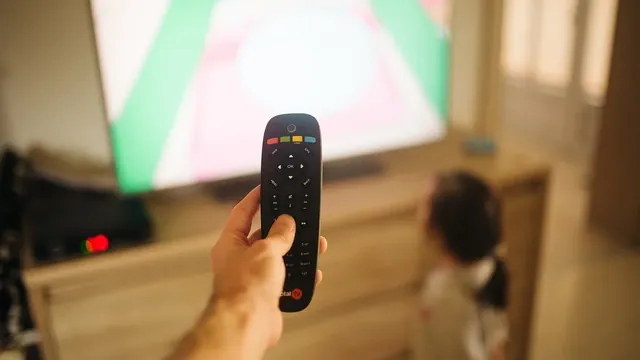
Set up Krira TV on Amazon Firestick and Fire TV devices with preparation steps, sideloading guidance, remote navigation tips, and storage advice.

Understand how much mobile data Krira TV streaming uses per match and per hour, what affects consumption, and practical ways to watch more while using less.