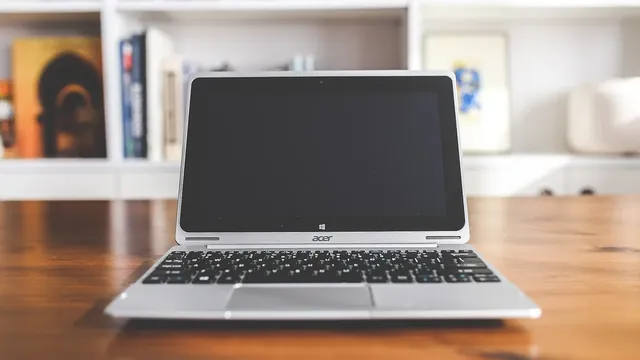
Krira TV on PC & Windows: Complete Setup Guide
Learn how to watch Krira TV on a PC or Windows laptop using an Android emulator, including setup steps, controls, display tips, and performance advice.
Download APK
Download the latest Krira TV APK for Android here, the current version, its file details, and a clear installation walkthrough, so you can go from this page to live sports in a few minutes.
Preparing your download
%
Download the latest Krira TV APK file using the button above.
Open the downloaded APK file on your Android device.
Allow installation from unknown sources if Android requests permission.
Wait for installation to complete, then launch the application.
Review settings and confirm that streaming functions correctly.
Use the download button on this page and wait for the short preparation timer to finish, then open the downloaded APK file on your Android device. Allow installation from unknown sources if Android asks, wait for the install to complete, then launch the app and check that streaming works.
The current Krira TV APK, version v5.0.6, is 10.9 MB. The older v5.0.5 file listed on this page is 10.85 MB, so make sure you have at least that much free space before downloading.
Krira TV supports Android 7.0 and above, as listed in the app information on this page. The app can also be used through a PC emulator and on Firestick devices.
Yes. The Krira TV APK files linked from this page are free to download, and the app covers live sports such as football, cricket and basketball, along with movies, TV shows and video on demand.
Every version listed here is installed and checked on real Android devices before the download information is published, including a review of the permissions the app requests and a safety scan of the file. Only install the file from this page, and remove any older copy from an unknown source first.
Download the newest version from this page, currently v5.0.6, and install the new APK over your existing copy. Your settings are normally kept, and the version number shown in the app should match the one listed here afterwards.
For installation problems, check that your device runs Android 7.0 or above and has enough free storage for the 10.9 MB file. For buffering, switch to a stronger Wi-Fi or mobile connection and close other apps that are using the connection, then reopen the stream.
Learn how to watch Krira TV on a PC or Windows laptop using an Android emulator, including setup steps, controls, display tips, and performance advice.
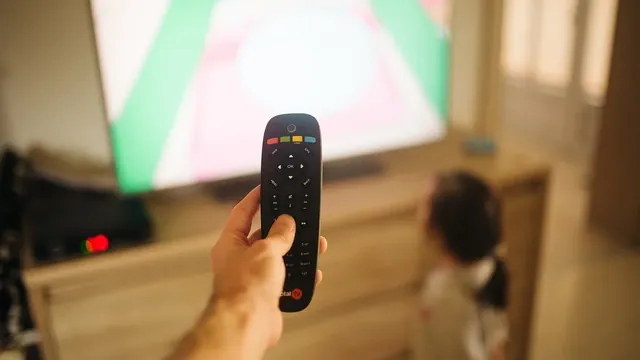
Set up Krira TV on Amazon Firestick and Fire TV devices with preparation steps, sideloading guidance, remote navigation tips, and storage advice.
Understand how much mobile data Krira TV streaming uses per match and per hour, what affects consumption, and practical ways to watch more while using less.
Learn how Krira TV streaming quality works, how resolution and adaptive playback affect smoothness, and how to choose the right setting for your connection.
Follow live basketball on Krira TV with guidance on game pace, viewing times across time zones, quality choices, and following leagues through the season.
Follow domestic football leagues and cup competitions on Krira TV with a season-long viewing plan covering big matchweeks, derbies, and title races.