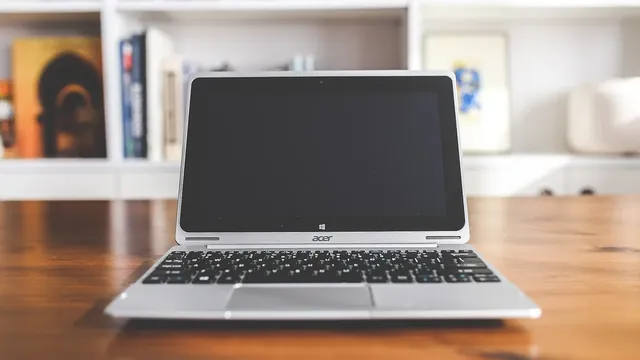
Krira TV on PC & Windows: Complete Setup Guide
Learn how to watch Krira TV on a PC or Windows laptop using an Android emulator, including setup steps, controls, display tips, and performance advice.

Resources
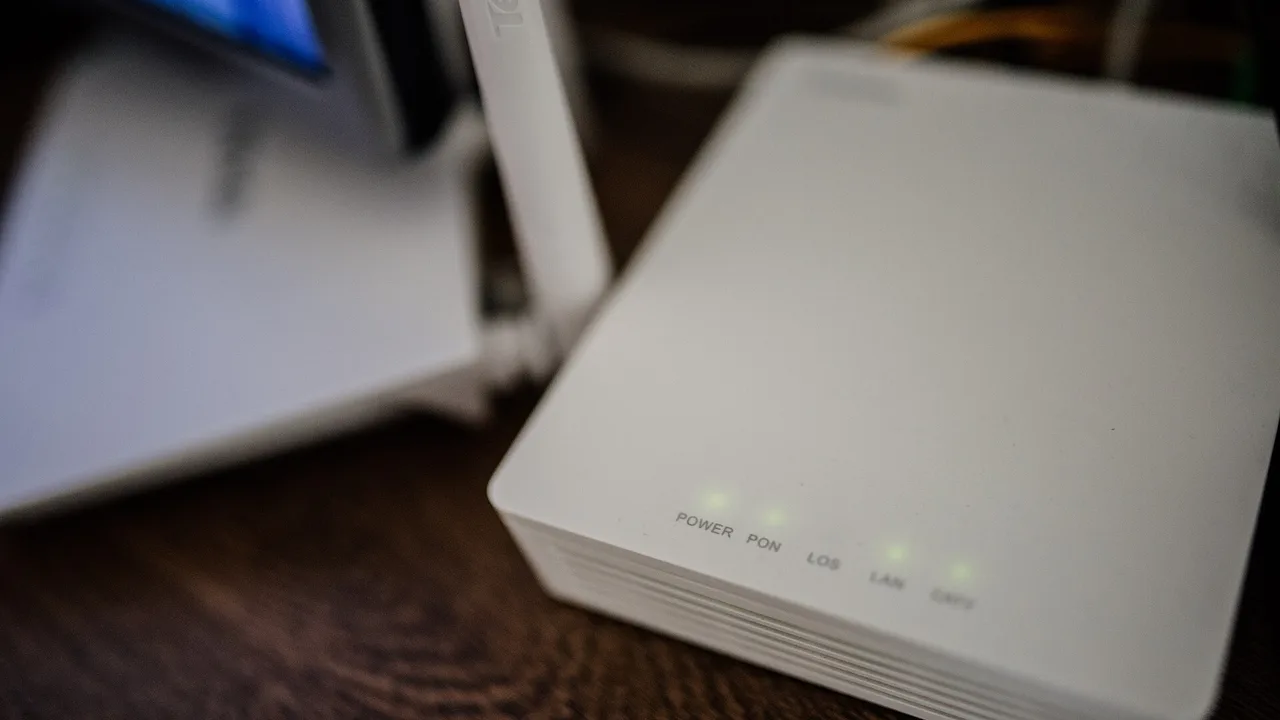
Watch Krira TV on slow or unstable internet with honest expectations, the settings that matter most, router positioning tips, and off-peak viewing strategies.
Not every fan has fibre broadband and a quiet network. Rural connections, shared housing, older mobile plans, and congested evening networks are the reality for millions of viewers, and sport matters just as much to them. You can find the current download on the Krira TV for Android page.
This guide is honest about limits while squeezing the most from a slow connection: the settings that genuinely help, the household tricks that free up bandwidth, and the viewing strategies that keep a season enjoyable at any speed.
Slow internet changes how you watch. It does not have to decide whether you watch.
Run a speed test at the times you actually watch. Providers advertise maximums; evening reality is what your stream negotiates with. Note the figure across a few days to find your pattern.
If speeds collapse only at peak hours, your strategy is scheduling and quality discipline. If they are always low, every tip below applies permanently.
Lower the stream quality and fix it there. On slow connections the automatic mode wastes precious bandwidth testing higher levels it cannot sustain, causing the very stutters you are trying to avoid.
At phone sizes, a lower stream still shows the match clearly. Pride in a quality label is expensive; stability is the luxury that matters.
Wi-Fi weakens through walls and distance. Watch in the same room as the router when you can, or move the router higher and more central, small relocations routinely transform a struggling stream.
If the router offers both 2.4 GHz and 5 GHz networks, 2.4 GHz reaches further through walls at lower top speed, which often suits a modest connection better than a fragile short-range signal.
On a slow connection, the household must share honestly: one live stream while others browse lightly. A second video stream elsewhere in the house is the most common cause of mysterious match-day collapse.
Agree the rule before big matches. Downloads, game updates, and cloud backups can be scheduled for after full time, they are patient in a way live sport is not.
If your viewing device can take an Ethernet cable, a TV box, a laptop, a stick with an adapter, use it. A cable removes Wi-Fi variability entirely and is the single most reliable upgrade for a slow line.
Even a long inexpensive cable run along a skirting board outperforms a weak wireless hop for a fixed television.
On mobile networks, position matters more than settings: near a window, upstairs, and away from the building's core all help. A phone hotspot placed high in the room serves a tablet or TV better than the same phone in a pocket.
Off-peak mobile speeds are often several times faster. Record-heavy or catch-up viewing, where available, belongs in those hours.
Routers that run for months accumulate sluggishness. A restart before an important match clears the line's short-term problems and takes two minutes.
Restart the streaming device too, close every background app, and give the match the cleanest possible start your connection can offer.
When the picture truly cannot hold, live radio or audio commentary keeps you with the match in real time at a fraction of the data. Many fans pair audio with a live text commentary for a complete picture of events.
Treat it as a legitimate way to follow sport, not a failure, generations of fans experienced famous matches exactly this way.
If live viewing is regularly impossible, invert the habit: avoid results, then watch extended highlights or full replays in off-peak hours when your connection performs best.
Spoiler discipline, muted chats, no score apps, preserves the drama. Many viewers on poor connections genuinely prefer this rhythm once they adopt it.
If an upgrade is possible, prioritise consistency over headline speed: a stable mid-tier package serves streaming better than an erratic faster one. Ask neighbours about real evening performance before switching.
A newer router often helps more than a pricier line when the existing router is ancient; change one variable and measure the difference at match hours.
Conclusion
A slow connection demands strategy, not surrender: fixed modest quality, a well-placed or wired router, one stream at a time, and off-peak habits for everything that can wait.
Fans have followed sport through far worse than a thin broadband line. With these adjustments, your connection becomes a constraint you manage, not the thing that decides your season.
Download Krira TV APKLearn how to watch Krira TV on a PC or Windows laptop using an Android emulator, including setup steps, controls, display tips, and performance advice.
Set up Krira TV on Amazon Firestick and Fire TV devices with preparation steps, sideloading guidance, remote navigation tips, and storage advice.

Understand how much mobile data Krira TV streaming uses per match and per hour, what affects consumption, and practical ways to watch more while using less.