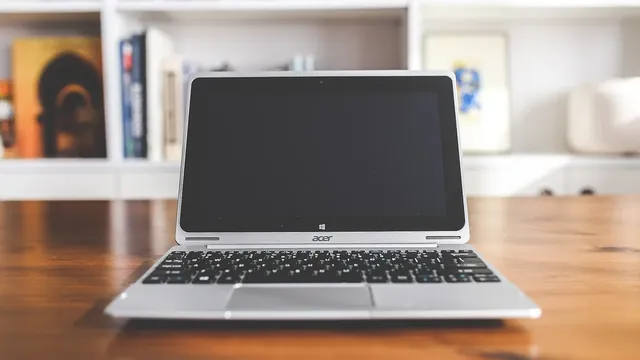
Krira TV on PC & Windows: Complete Setup Guide
Learn how to watch Krira TV on a PC or Windows laptop using an Android emulator, including setup steps, controls, display tips, and performance advice.

Resources
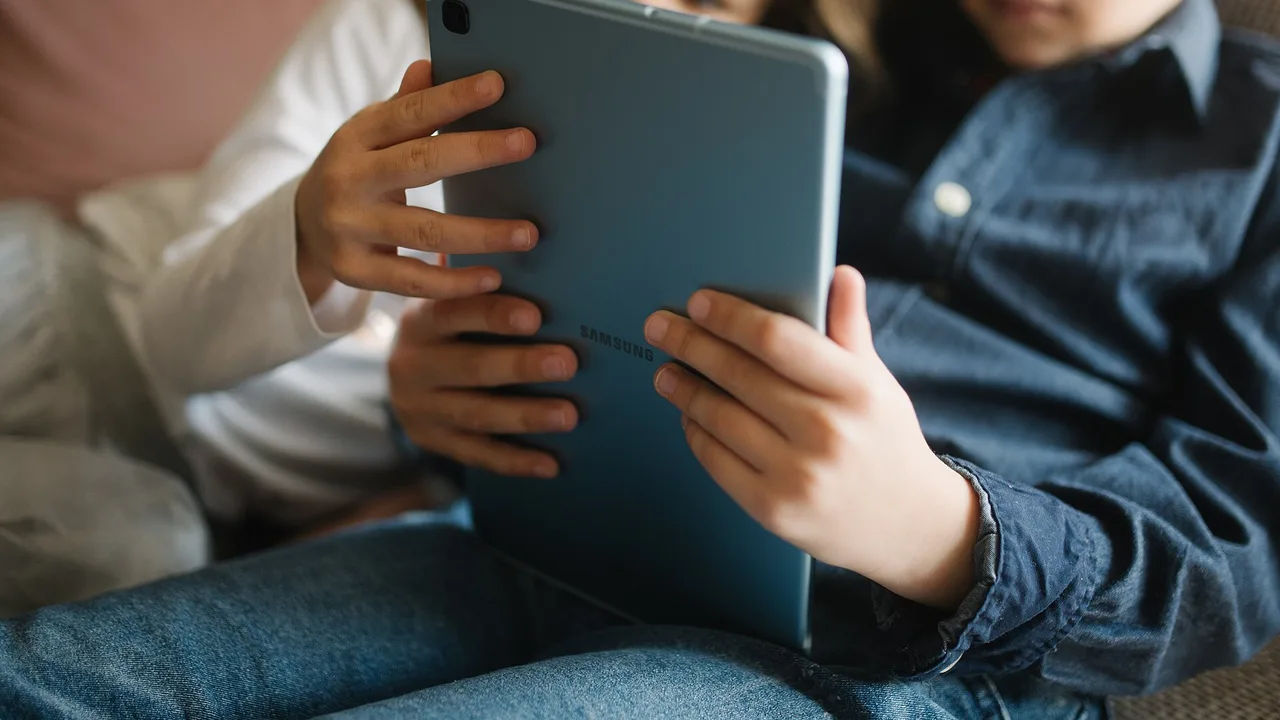
Make the most of Krira TV on Android tablets and iPads with setup, stand, audio, battery, and multi-user tips for comfortable longer viewing sessions.
The tablet is the forgotten middle screen of sports streaming: bigger than a phone, more personal than a television, and light enough to follow you from sofa to kitchen to garden. For solo viewing of long events, a day of cricket, a golf Sunday, a tournament afternoon, many fans quietly prefer it. You can find the current download on the Krira TV official site page.
This guide covers tablet viewing properly: setup choices, stands and cases, audio that suits speech, and the battery habits that carry a tablet through a full day's play.
If your household tablet is shared, the multi-user advice later in this guide will save arguments as well as battery.
A ten-inch screen shows score graphics and wide pitch views far better than a phone, while remaining a one-person device you can angle exactly toward your eyes and light.
Tablets also sip power compared with laptops and start instantly compared with televisions, which suits the stop-start rhythm of long sports days.
Install and first launch on your home Wi-Fi, and complete any initial setup before taking the tablet elsewhere. Set the stream quality with the tablet's screen in mind: standard to high levels look excellent at this size without wasting data.
Download nothing you do not need; tablets in many homes run close to full storage, and streaming apps behave better with room to spare.
A folding stand or case that props the tablet at two angles, upright for desks, reclined for laps, transforms comfort over a three-hour event. Glare falls dramatically with a slight tilt away from windows.
On a kitchen counter during cooking, raise the tablet to eye level on a stable book or stand; looking down for hours is how a pleasant match becomes a stiff neck.
Tablet speakers fire sideways or backwards on many models and lose commentary to room noise. A small Bluetooth speaker or ordinary headphones restore the voices that carry a broadcast.
Bluetooth adds a whisper of delay on some combinations. If lips and sound drift apart noticeably, switch to wired headphones or the tablet speakers for that match.
A full day of cricket can outlast a tablet battery at high brightness. Start the day fully charged, dim the screen to the lowest comfortable level, and keep a charger within reach for the innings break.
Battery-saver modes may throttle the stream on some devices; if quality dips mysteriously, check that a power mode is not the cause before blaming the network.
The tablet's size suits children watching sport with a parent: big enough to share, light enough to move. Set up the stream for them rather than handing over an unlocked device, and agree the viewing plan before kick-off.
Volume limits in the tablet settings protect young ears when headphones are used, worth setting once, properly.
Choose the phone for mobility, the television for company, and the tablet for personal long-form viewing. Many fans rotate all three across a single tournament without thinking, the skill is matching screen to occasion.
Second-screen duty is the tablet's other gift: scores, tables, and social discussion on the tablet while the main match owns the television.
Hotels and trains make the tablet the primary screen. Connect to the venue Wi-Fi early, test the stream before the event, and keep headphones packed, shared carriages and rooms demand them.
Mobile data through a phone hotspot works in a pinch, but remember the data arithmetic of long events before committing to a full match.
Tablets live longer than phones in most homes, and an older model can stream happily if it is kept lean: remove unused apps, keep the system updated while updates last, and restart it weekly.
If an aging tablet struggles, lower the stream quality one step rather than replacing the device; at tablet sizes the difference is gentle.
Conclusion
The tablet is not a compromise screen, for one viewer and a long event it is often the best seat in the house, provided the stand, audio, and battery are arranged with a little forethought.
Set it up once with these habits and it becomes the device you reach for whenever the day's play deserves more than a phone can give.
Download Krira TV APKLearn how to watch Krira TV on a PC or Windows laptop using an Android emulator, including setup steps, controls, display tips, and performance advice.
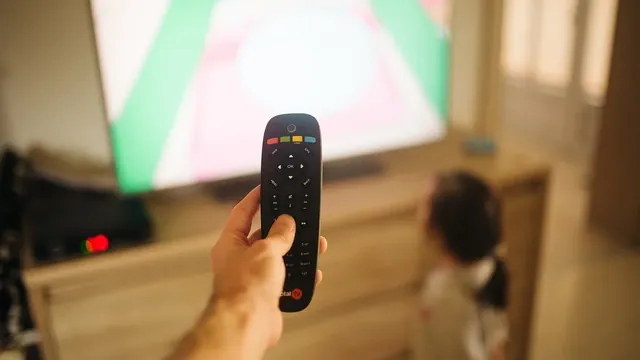
Set up Krira TV on Amazon Firestick and Fire TV devices with preparation steps, sideloading guidance, remote navigation tips, and storage advice.
Understand how much mobile data Krira TV streaming uses per match and per hour, what affects consumption, and practical ways to watch more while using less.