
Krira TV on PC & Windows: Complete Setup Guide
Learn how to watch Krira TV on a PC or Windows laptop using an Android emulator, including setup steps, controls, display tips, and performance advice.
Resources
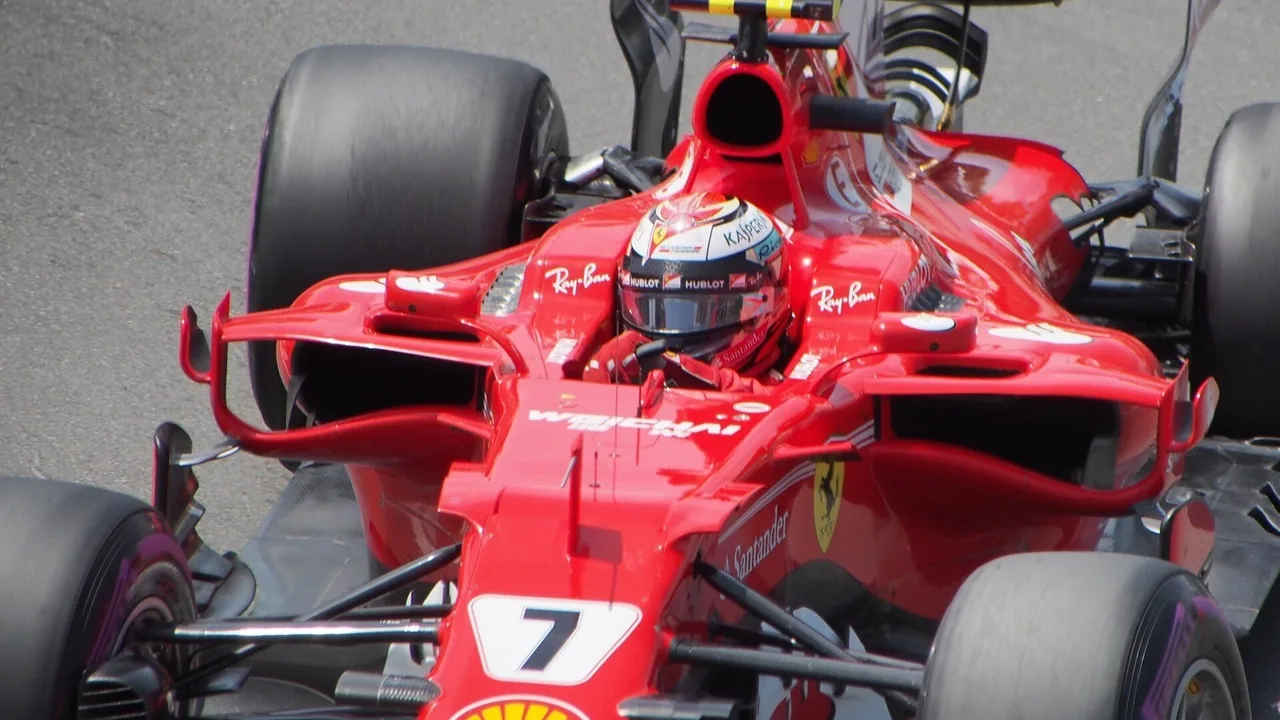
Follow motorsport on Krira TV with guidance on race weekends, qualifying, time zones, long-event viewing comfort, and keeping up across a racing season.
Motorsport does not fit into a neat ninety minutes. A racing weekend sprawls across practice, qualifying, and a main event that can run for hours, often starting at dawn or midnight in the viewer's own country. Following it on Krira TV is a different discipline from following football. You can find the current download on the Krira TV APK page.
This guide covers the racing viewer's craft: planning a weekend, surviving awkward start times, setting up for long events, and following a championship's slow arithmetic across a season.
Whether your series runs on two wheels or four, the viewing principles are the same.
Practice sessions teach the story: who is fast, whose car or bike is struggling, and where the overtaking chances live. Qualifying then writes the grid, and the race pays it off.
New viewers should prioritise qualifying and the race; regulars add the final practice. Watching everything is a pleasure, but nobody's weekend survives it weekly.
Global series race through every time zone, so a season includes breakfast races, prime-time races, and 4 a.m. races in any given country. Mark your calendar honestly at the season's start and choose which dawn alarms you will actually keep.
A race you sleep through and watch as a replay with spoiler discipline beats a race watched half-asleep and half-remembered.
Endurance races and long grand prix Sundays demand a proper setup: the good screen, the charger connected, drinks and food arranged before the formation lap. Treat a long race like a journey, not a programme.
Brightness and volume set for the long haul protect eyes and ears; commentary teams rotate through endurance events, and following their handovers helps mark the hours.
Racing titles are arithmetic over twenty-plus rounds: consistency compounds, and a quiet fourth place in March can decide December. Keep one eye on the standings after each round to feel the season's tension properly.
Rivalries build through incidents and quotes between races. A few minutes of midweek coverage between rounds adds the soap opera that makes the next start line crackle.
Two-wheel and four-wheel calendars interleave kindly for fans who follow both, but clashes happen. Live priority should go to the event with championship consequences; the other becomes your replay.
Avoid results from the live event while watching the delayed one, a single headline mentioning both is the classic trap on double-header Sundays.
Motorsport rewards data: live timing, tyre choices, and gap intervals turn a processional phase into a strategy thriller. A phone with a timing feed beside the Krira TV picture is the enthusiast's standard setup.
Even without official timing, a simple live standings page deepens understanding of pit windows and undercuts as they unfold.
Night races under lights are the most television-friendly events in the sport and often land kindly in other regions' evenings. Early-morning races demand a decision the night before: alarm set, coffee ready, stream tested.
Test the stream before you sleep. Discovering a problem at dawn with formation laps beginning is a special misery this guide exists to prevent.
Motorsport stops for weather and incidents more than any other major sport. A stream left open through a delay is normal; broadcasters fill with analysis and history that often teaches newcomers the sport beautifully.
Keep notifications on for restart news if you step away, races resume on official word, and missing the restart wastes the whole wait.
Choose your primary series, protect its biggest rounds, the famous circuits, the season opener, the finale, and let the rest of the calendar flex around life.
Krira TV's part is availability: practice analysis on Friday night, qualifying on Saturday, and the race whenever your time zone demands, all on the screen you already own.
Conclusion
Motorsport viewing is a craft of calendars and patience: qualify your expectations, guard your sleep selectively, and set up properly for the long events.
Do that, and a racing season on Krira TV becomes what it should be, a year-long story of speed and arithmetic that you follow on your own terms.
Download Krira TV APKLearn how to watch Krira TV on a PC or Windows laptop using an Android emulator, including setup steps, controls, display tips, and performance advice.
Set up Krira TV on Amazon Firestick and Fire TV devices with preparation steps, sideloading guidance, remote navigation tips, and storage advice.

Understand how much mobile data Krira TV streaming uses per match and per hour, what affects consumption, and practical ways to watch more while using less.